[kubernates] 005. How to use Probes
Understanding "Probes" via Application

- hpyYh
- 1 min read
startupProbe:
  httpGet:
    path: "/startup"
    port: 8080
  periodSeconds: 5
  failureThreshold: 36
readinessProbe:
  httpGet:
    path: "/readiness"
    port: 8080
  periodSeconds: 10
  failureThreshold: 3
livenessProbe:
  httpGet:
    path: "/liveness"
    port: 8080
  periodSeconds: 10
  failureThreshold: 3
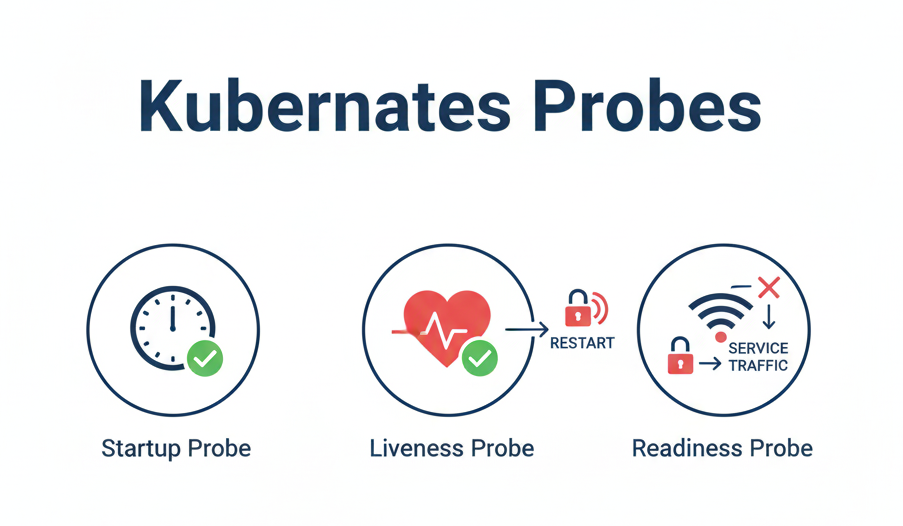
startupProbe
- It sends a check every 5 seconds and stops once it succeeds
- It will attempt up to 36 times
- Setting a low failureThreshold for the startupProbe can lead to infinite reboot loops
readinessProbe
- It sends a check every 10 seconds
- Disconnect traffic after three consecutive failures
livenessProbe
- It sends a check every 10 seconds
- Restart the container after three consecutive failures.
tip
Probes support executing commands instead of using HTTP
readinessProbe:
  exec:
    command: ["cat", "/usr/src/myapp/datasource/postgresql-info.yaml"]
  periodSeconds: 10
  failureThreshold: 3
- tags :
- Kubernetes ,
- Main